Case study · Operations
Communication Hub.
Chat, video & files in one workspace
We designed a centralized communication platform that helped teams bring conversations, meetings, files, and collaboration workflows into one secure digital workspace.
Start your project →- Industry
- Operations & productivity
- What we built
- 5 integrated components
- Key outcome
- 1 Thread per client account
Overview
Unifying team communication into one connected workspace.
A growing organization needed a secure collaboration system that could combine chat, video meetings, file sharing, and team communication history in one place.
Their existing workflow depended on multiple disconnected tools, causing missed messages, duplicated files, meeting confusion, and reduced visibility across teams.
The main challenges included:
- Scattered conversations across email, chat apps, and meeting platforms
- Disconnected video calls and collaboration records
- File sharing without consistent organization or access controls
- Limited visibility into team communication, activity, and follow-up work
The goal was a unified communication hub that improved collaboration, reduced tool fragmentation, and kept team conversations connected to shared work.

Experience flow
From scattered tools to one workspace.
The solution
A unified platform for chat, meetings, files, and collaboration.
We developed a communication hub that connected real-time messaging, video calls, file sharing, channels, notifications, and team activity dashboards.
Core components
The platform gave teams one secure workspace for daily conversations, live collaboration, shared documents, and communication visibility.
-
01
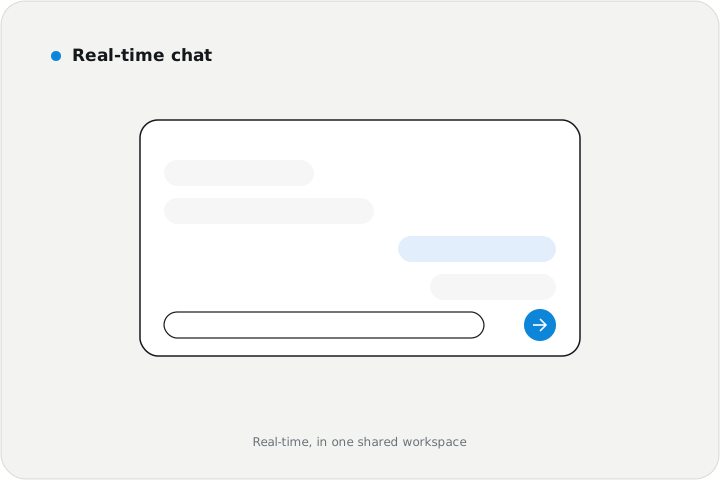
Real-time chat
Messaging
Direct messages, group chats, and topic-based channels
Message history, search, reactions, and mentions
Notification controls for focused communication
-
02
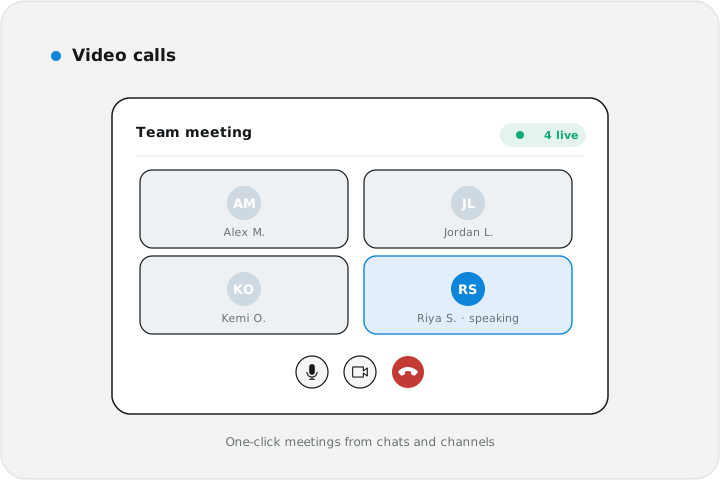
Video calls
Video
One-click video meetings from chats and channels
Meeting rooms for team discussions and client calls
Call history linked to communication activity
-
03
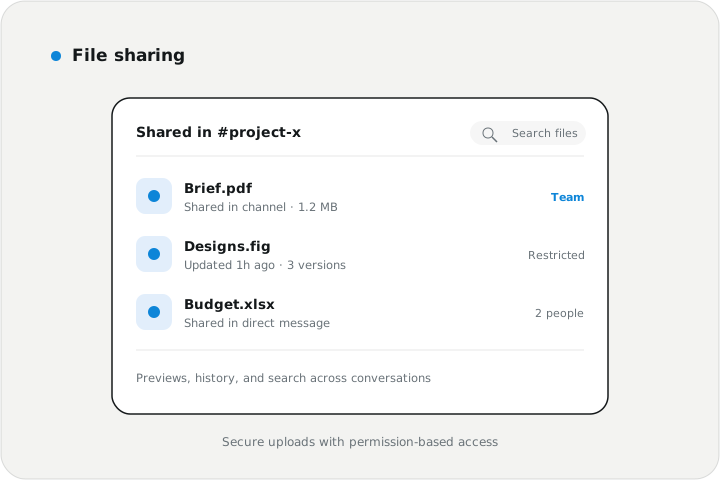
File sharing
Files
Secure file uploads inside chats, groups, and channels
Permission-based access to shared documents
File previews, history, and search support
-
04
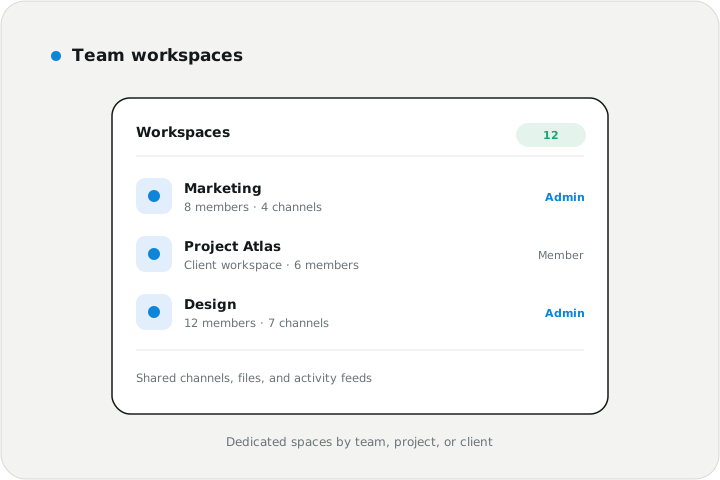
Team workspaces
Workspace
Dedicated spaces by department, project, or client
Shared channels, files, conversations, and activity feeds
Role-based workspace membership and permissions
-
05
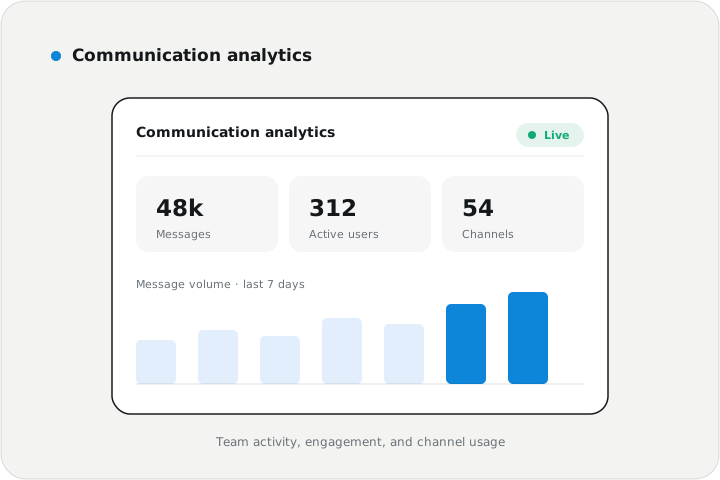
Communication analytics
Analytics
Team activity, message volume, and engagement visibility
Channel usage and collaboration trend reporting
Administrative insights for adoption and workflow improvement
Stack used
- Unified communication platform
- Real-time messaging
- Video calling
- Secure file sharing
- Team workspaces
- Communication analytics
Implementation approach
Phased delivery.
-
01
Communication workflow assessment
Mapped team channels, messaging needs, video call workflows, file-sharing patterns, permissions, and reporting goals.
-
02
Workspace model design
Defined users, groups, channels, message types, meetings, files, notifications, roles, and activity logs.
-
03
Platform build
Implemented chat, channels, video call entry points, file sharing, search, permissions, notifications, and analytics.
-
04
Testing and launch
Validated messaging speed, call flows, file permissions, notifications, search behavior, workspace roles, and usability.
Results
Outcomes at a glance.
- Messaging unified
- Video ready
- Files connected
Accounts used to be scattered across email, chat, and whatever spreadsheet was fashionable that month. Now there's one thread per client and handoffs are visible — QBR prep went from an afternoon to half an hour. The team grumbled about one-more-tool; adoption settled that by week three.
- Reduced communication fragmentation by centralizing chat, video, channels, and files
- Improved collaboration with team workspaces organized by department, project, and client
- Made shared files easier to find through channel-based organization and search support
- Improved team visibility with activity logs, communication analytics, and adoption reporting
- Built a scalable foundation for integrations, workflow automation, AI summaries, and enterprise collaboration
Impact & outcome
A connected workspace for modern collaboration.
We delivered a communication hub that helped teams bring messages, meetings, files, and collaboration history into one secure and searchable workspace.
Communication breaks down when teams depend on too many disconnected tools. This solution gave the organization one place to talk, meet, share files, and keep collaboration visible.
Video stayed out of v1 — the team already liked its meeting tool — and arrived in v2 as a link, not a replacement.
Need a custom communication platform?
We build collaboration software for chat, video calls, file sharing, team workspaces, notifications, and communication analytics. We'll reply within one business day — no pressure, no sales script.
Start your project →