
Case study · Operations
Project Management Tool.
Task tracking, time logs & team analytics
We designed a collaborative project management platform that helped teams organize work, track progress, log time, and understand productivity through clear operational analytics.
Start your project →- Industry
- Operations & productivity
- What we built
- 5 integrated components
- Key outcome
- 92% Daily updates during the season
Overview
Coordinating work with clarity and accountability.
A growing team needed a centralized workspace to manage projects, assign tasks, track time, monitor workload, and understand delivery progress across departments.
Their existing workflow depended on scattered spreadsheets, chat messages, email updates, and disconnected time logs, making it difficult to know what was active, blocked, overdue, or completed.
The main challenges included:
- Fragmented task tracking across multiple tools and communication channels
- Limited visibility into deadlines, blockers, ownership, and project status
- Manual time logging and weak connection between work effort and project progress
- No centralized analytics for workload, productivity, and team performance
The goal was a collaborative project management platform that gave teams one reliable place to plan work, execute tasks, log time, and make better delivery decisions.

Experience flow
From scattered updates to shared delivery.
The solution
A collaborative workspace for planning, execution, and insight.
We developed a project management system that connected task boards, project timelines, time tracking, team communication, workload visibility, and analytics dashboards.
Core components
The platform gave teams a structured workflow for turning goals into tasks, tracking execution, measuring effort, and reviewing performance.
-
01
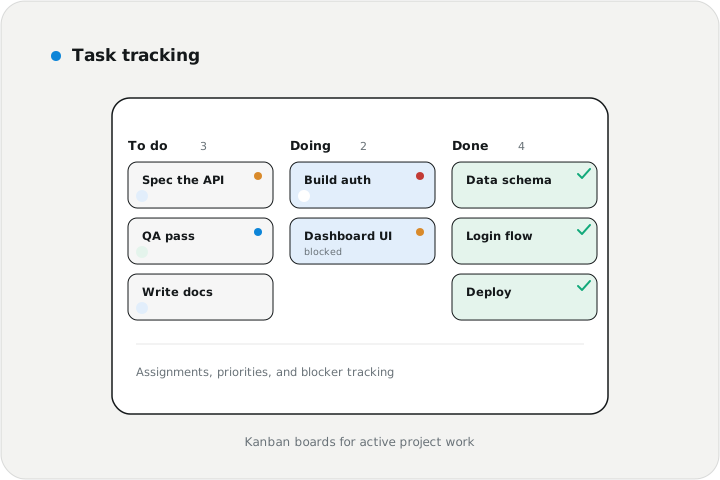
Task tracking
Tasks
Kanban-style task boards for active project work
Assignments, due dates, priorities, labels, and statuses
Blocker tracking for delayed or dependent work
-
02
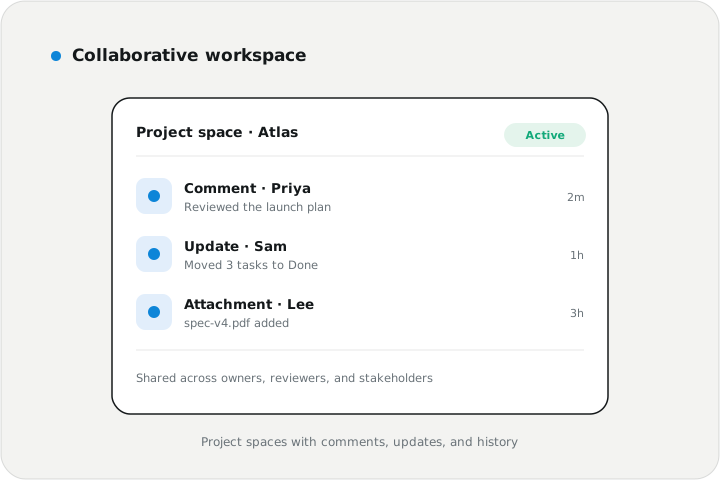
Collaborative workspace
Collaboration
Project spaces for teams, departments, and client work
Comments, updates, attachments, and activity history
Shared visibility across owners, reviewers, and stakeholders
-
03
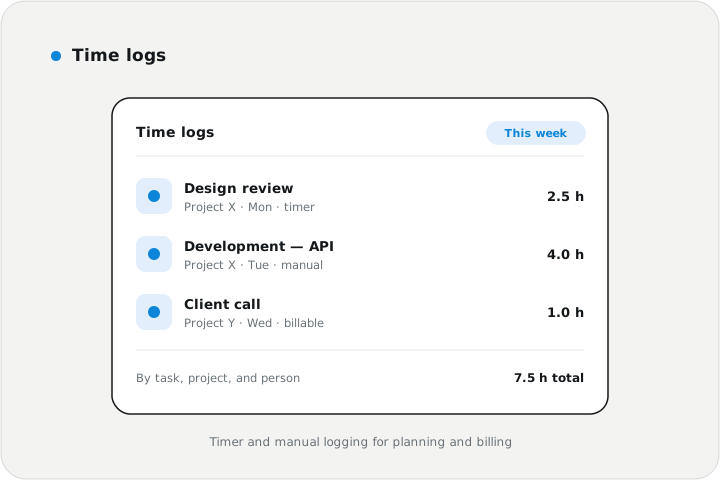
Time logs
Time
Time tracking by task, project, person, and date
Manual and timer-based logging workflows
Effort reporting for planning, billing, and productivity review
-
04
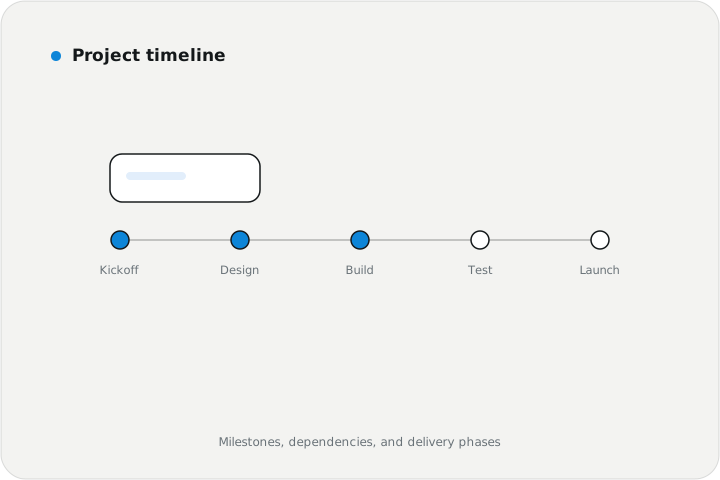
Project timeline
Timeline
Milestones, deadlines, dependencies, and delivery phases
Schedule visibility for managers and contributors
Progress views for current, upcoming, and overdue work
-
05
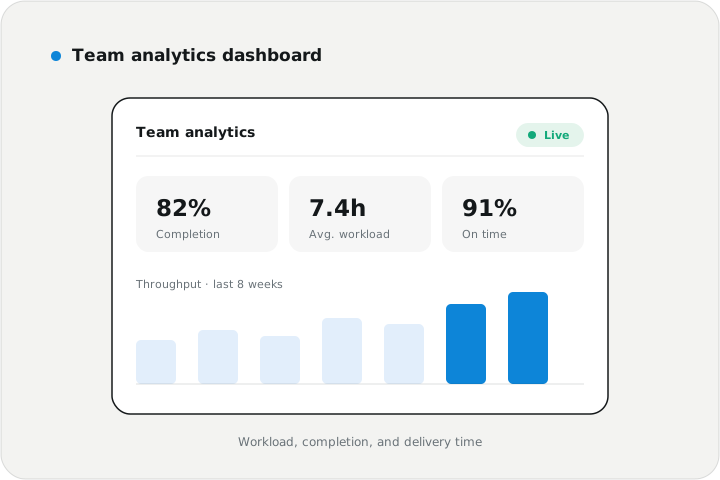
Team analytics dashboard
Analytics
Workload, completion rate, time usage, and bottleneck visibility
Team performance summaries by project and period
Decision-ready reporting for managers and leadership
Stack used
- Project management platform
- Task tracking system
- Collaborative workspace
- Time logging workflow
- Team analytics
- Role-based access control
Implementation approach
Phased delivery.
-
01
Workflow assessment
Mapped project types, task lifecycles, roles, time logging needs, reporting goals, and collaboration patterns.
-
02
Workspace model design
Defined projects, tasks, statuses, roles, timelines, time entries, notifications, and analytics views.
-
03
Platform build
Implemented task boards, project spaces, time logs, timelines, permissions, activity history, and dashboards.
-
04
Validation and launch
Tested task flows, assignments, time tracking, notifications, permissions, analytics accuracy, and team usability.
Results
Outcomes at a glance.
- Collaborative workspace
- Time tracked
- Analytics ready
Foremen don't update software — except this one, and daily. Took a season and one crew chief nearly throwing his tablet in the river, but now the hours and the site photos are just there. I stopped chasing people for updates.
- Improved project visibility by centralizing tasks, owners, deadlines, and activity history
- Reduced coordination friction through shared workspaces, comments, and status updates
- Connected time logs to project work for better planning, billing, and workload analysis
- Gave managers clearer insight into blockers, team capacity, completion trends, and delivery progress
- Created a scalable foundation for client portals, automation rules, integrations, and advanced reporting
Impact & outcome
A stronger operating system for team delivery.
We delivered a project management platform that helped teams organize work, track effort, improve accountability, and make better decisions through team analytics.
Productive teams need more than task lists. They need a shared workspace that connects priorities, execution, time, communication, and performance insight into one reliable delivery system.
The pilot crews hated the first mobile screens — gloves plus tiny buttons — and their complaints reshaped the version every crew uses now.
Need a custom project management tool?
We build productivity software for task tracking, time logs, collaboration, workload visibility, and team analytics. We'll reply within one business day — no pressure, no sales script.
Start your project →